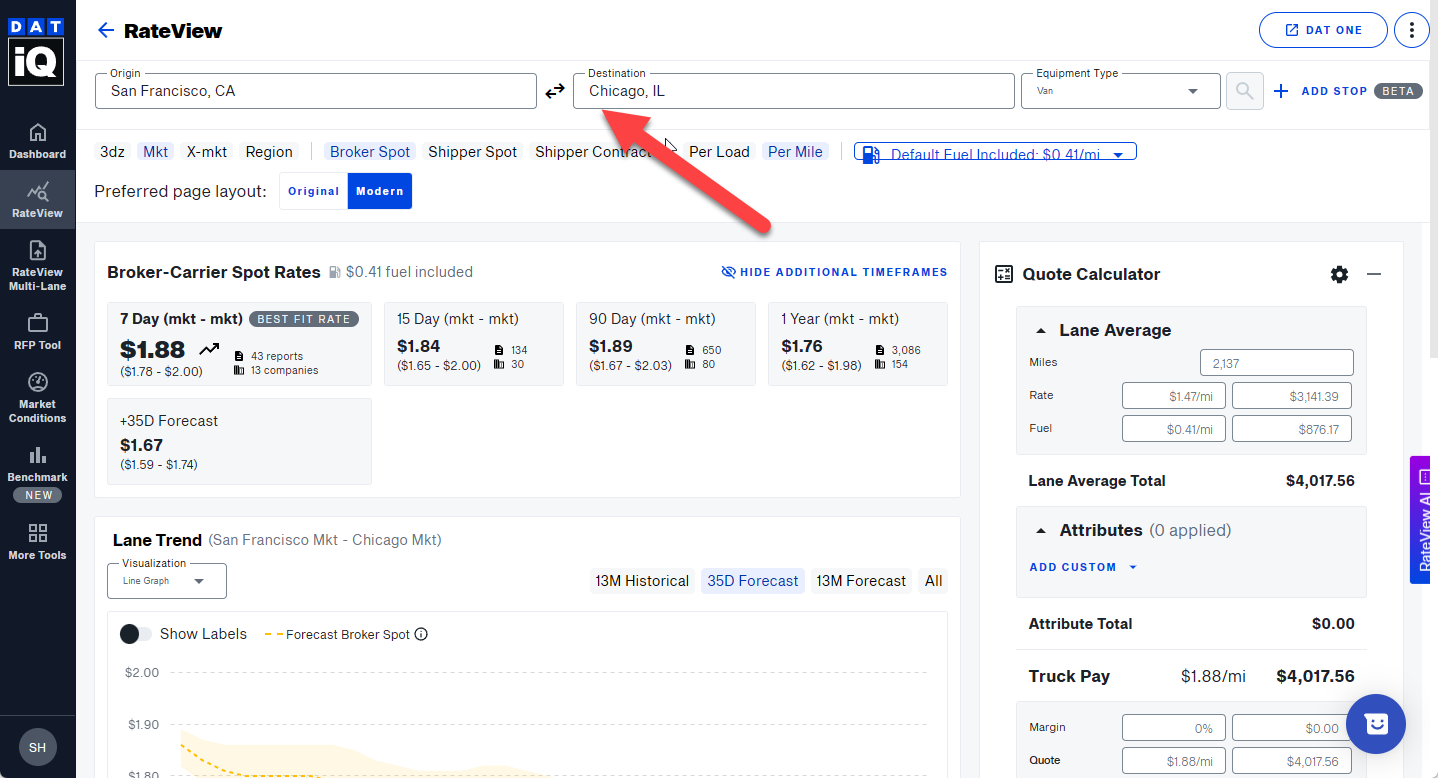
A single lane search allows you to type in your origin and destination and see the rate information for that lane particular lane.
- Navigate to iq.dat.com, and click Rateview.
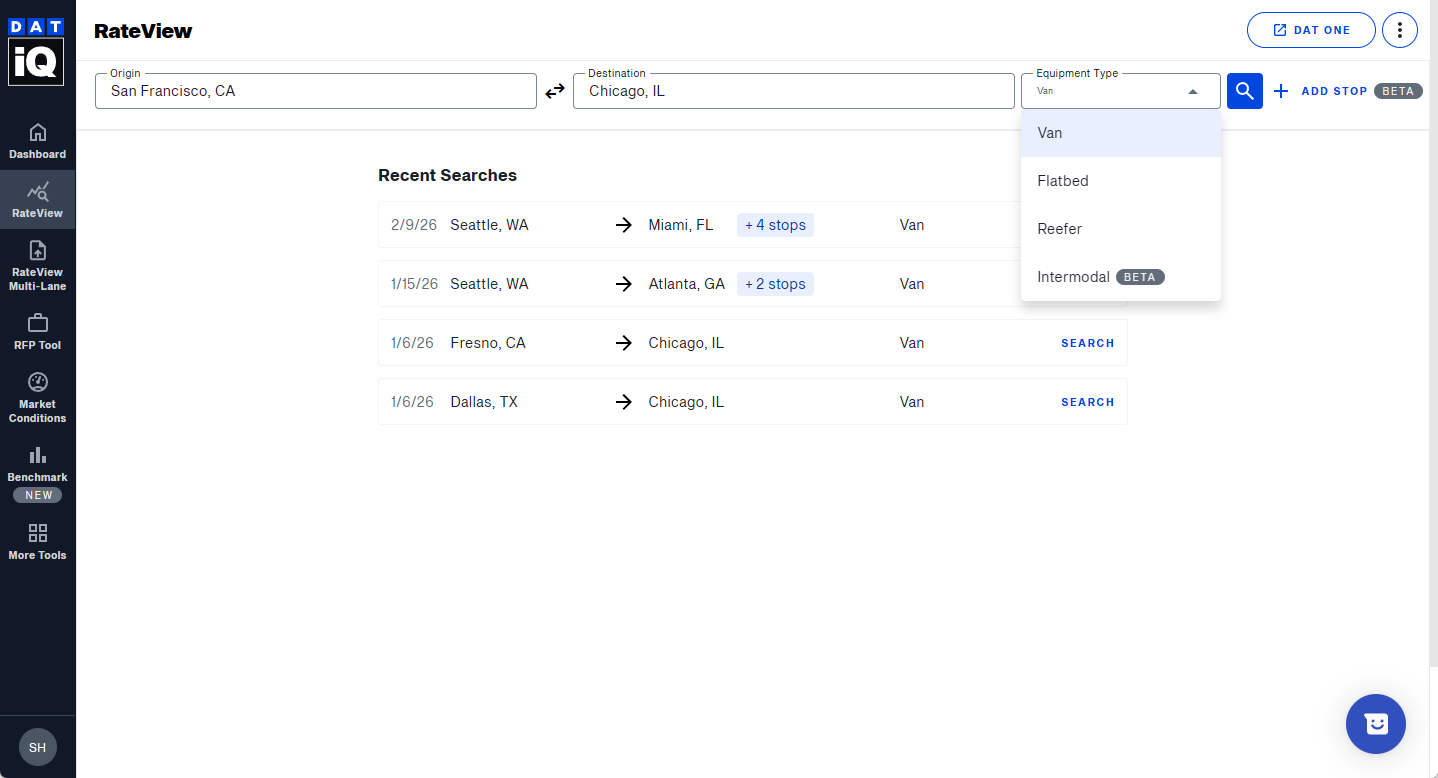
- Enter the Origin and Destination. You can use postal/zip codes instead of a city, state if desired.
- Enter the equipment type (Van, Reefer, Flatbed, or Intermodal)
- You can quickly reverse the origin and destination of your search when looking for backhaul rates by clicking the double arrows on the search form after completing a search.